

Pikobuy research guide
How to Use a Pikobuy Spreadsheet
Use a spreadsheet as a discovery index: search a precise clue, compare the current record, confirm the exact variant and keep payment or shipping decisions outside unsupported assumptions.
Start with the record
Search one product type or visible clue instead of a broad brand-only query. Open the current record and note its title, category, reference price, images and destination.
Confirm the exact selection
A listing can contain several colours, sizes or styles. Match the selected option against the current product and any available warehouse images before continuing.
Separate discovery from purchase
PikoBuyYupoo is an independent discovery layer, not a seller, payment processor or buying agent. Follow the terms and protections of the service you actually use.
Keep a decision log
Save the current URL, selected variant, stated measurements and date checked. This makes later comparison clearer if a listing changes.
Records to inspect with this method
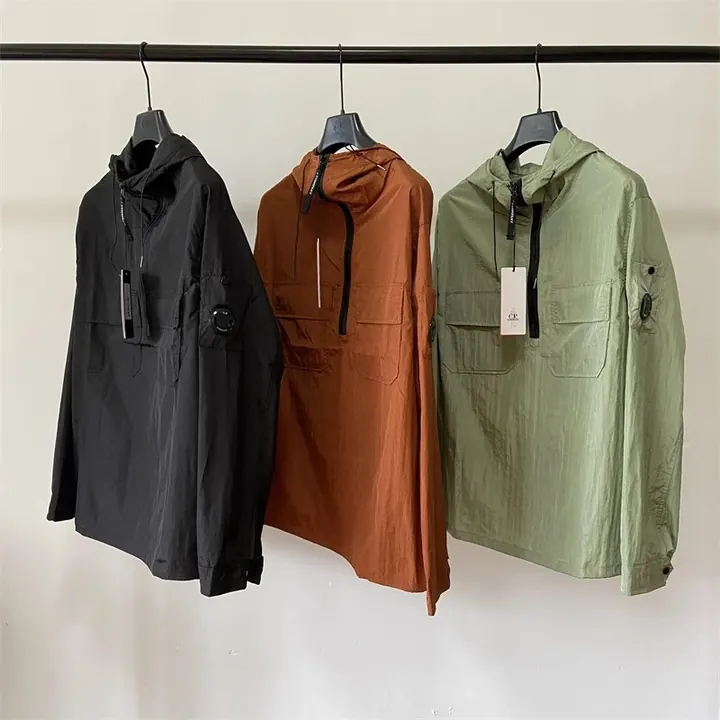
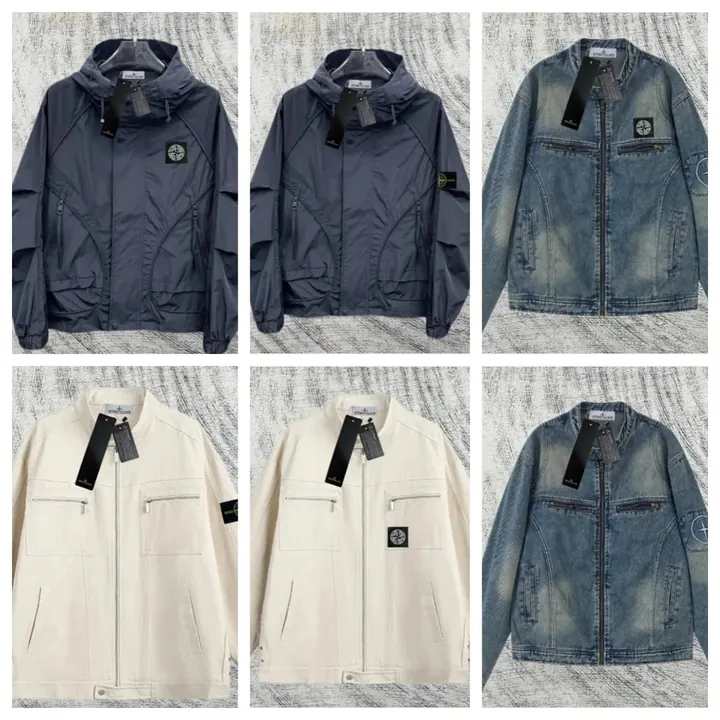
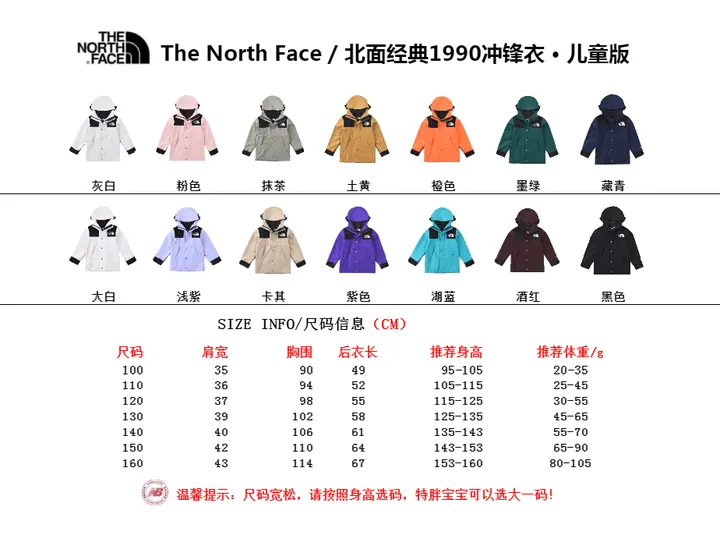
These examples come from the synchronized cache and link to current SheetsIndex records. Their appearance here is not a recommendation or ranking.




Frequently asked questions
Does this page verify a seller or product?
No. It organizes public record clues and practical checks; it does not prove seller identity, authenticity, stock or quality.
What should I check next?
Open the current SheetsIndex record, confirm the selected variant and compare any available warehouse or source images.