Pikobuy Spreadsheet · Tech
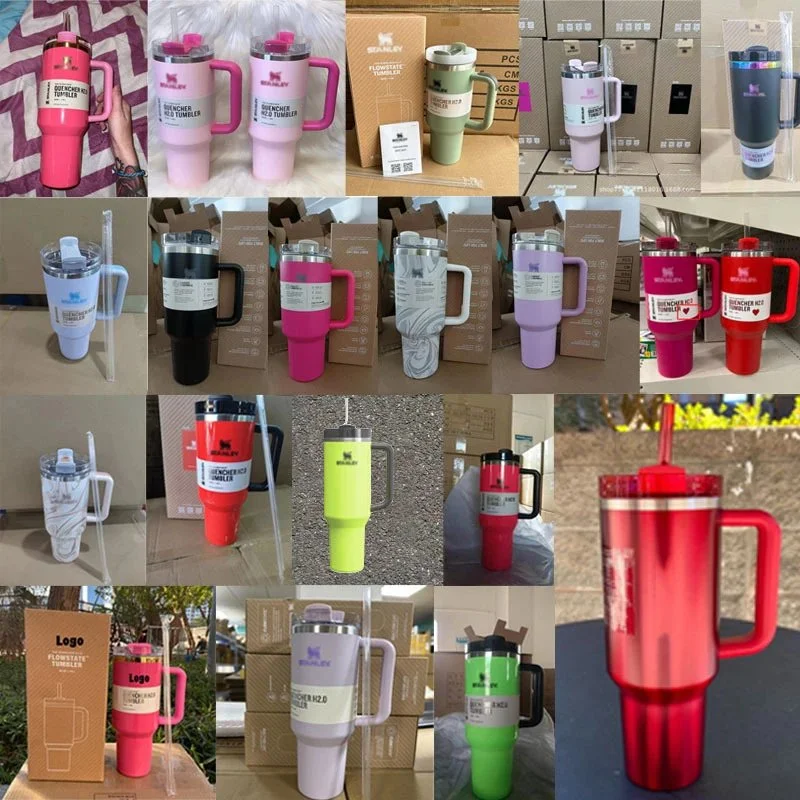
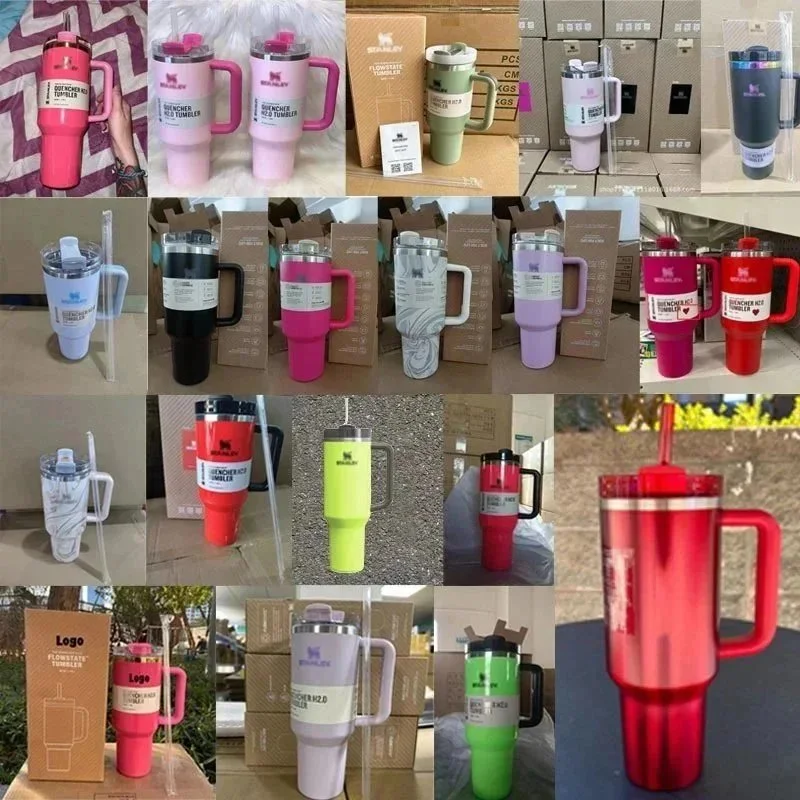
Stanley Quencher H2.0 Tumbler
≈ USD 18.44↗
 pikobuy
Opens the selected platform in a new tab.
Interface language; product names and articles retain their original language.
Reference rates: · ECB ↗
Product estimates only. Historical article amounts stay unchanged.
Use the tech spreadsheet to compare functions, included parts, battery information, dimensions and shipping eligibility before paying. Prices are shown as USD reference values and can be changed from the currency menu.

≈ USD 18.44↗
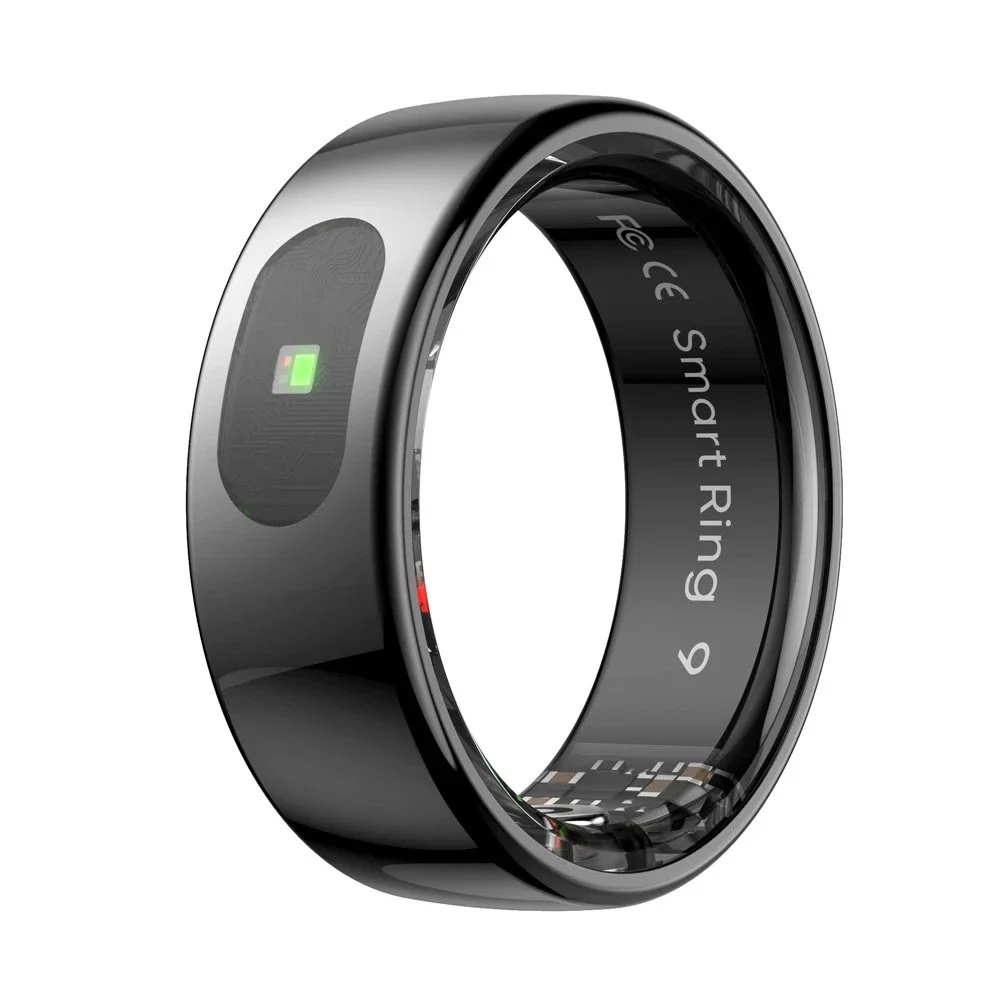
≈ USD 31.18↗
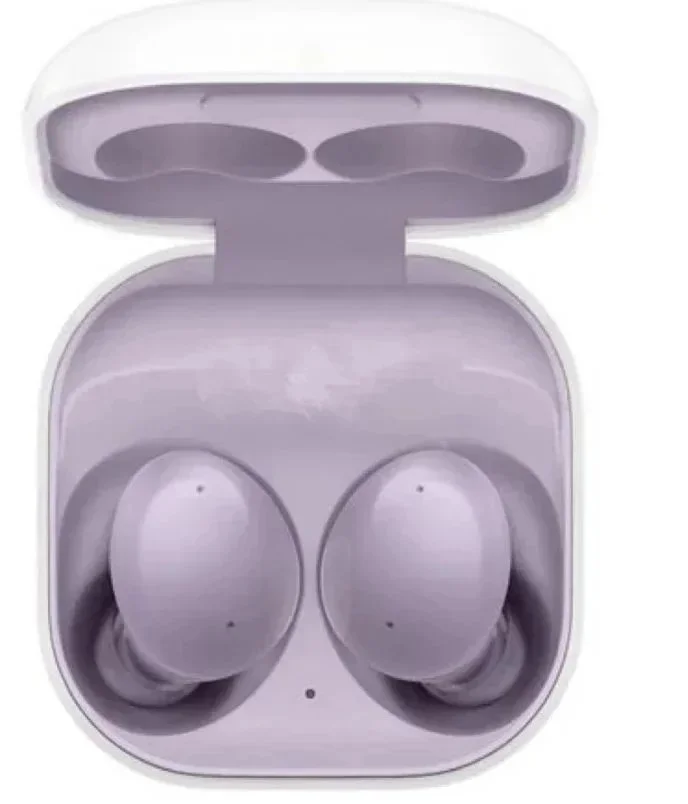
≈ USD 15.29↗
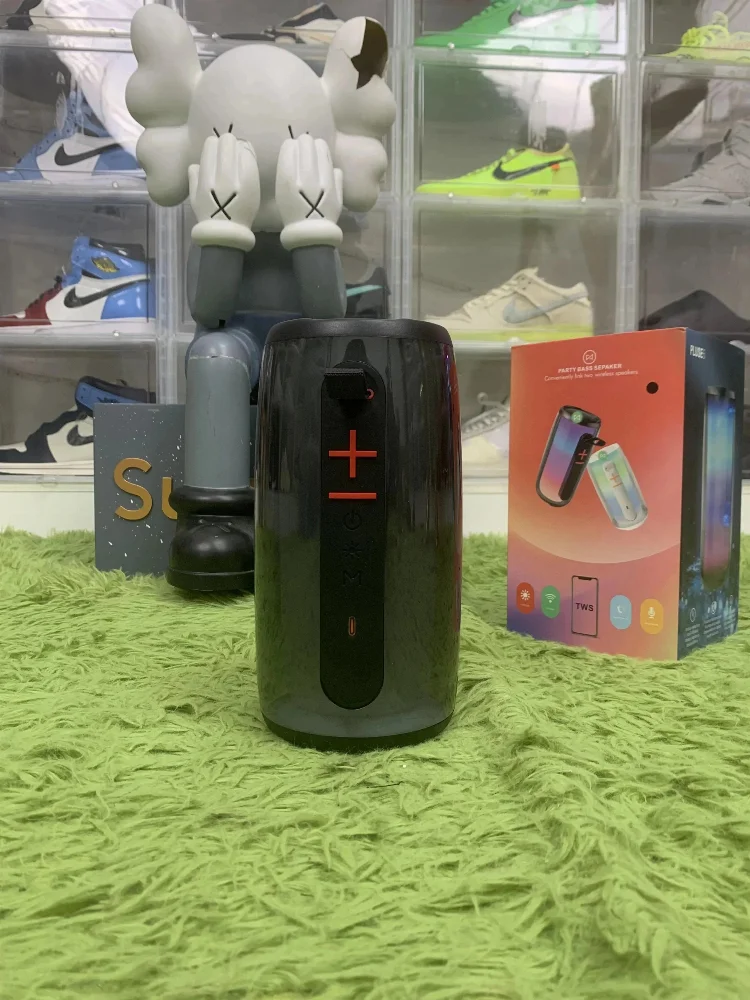
≈ USD 24.89↗
≈ USD 14.39↗
≈ USD 161.91↗
≈ USD 29.68↗
≈ USD 0.63↗

≈ USD 9.74↗

≈ USD 552.90↗
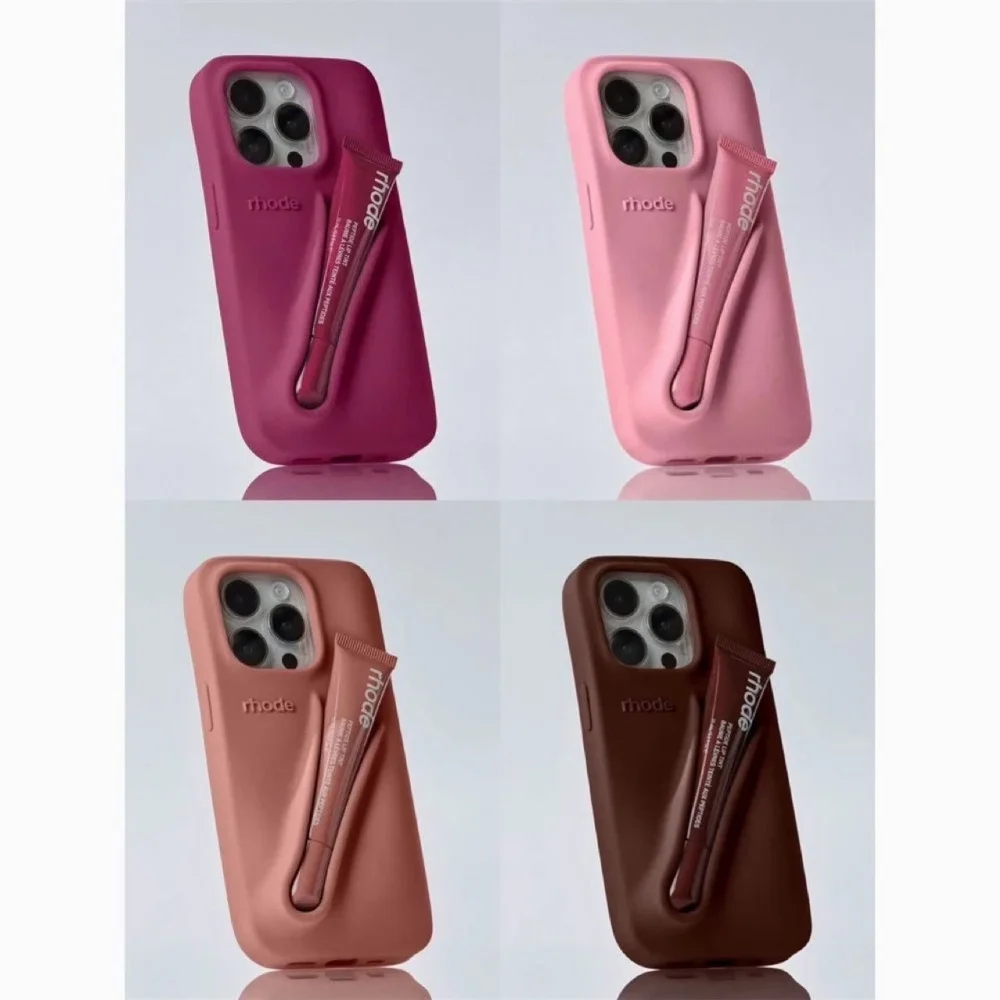
≈ USD 8.10↗

≈ USD 26.99↗

≈ USD 85.45↗

≈ USD 83.51↗
Use the tech spreadsheet to compare functions, included parts, battery information, dimensions and shipping eligibility before paying. Prices are shown as USD reference values and can be changed from the currency menu.
Each card is a product reference from the catalog. Open an item to review its source details, compare the displayed USD reference price, and keep the exact reference when you contact a sourcing service. Prices are estimates for comparison, not a final quote; availability, options, shipping and service charges still need confirmation.
Search and filter this spreadsheet →Start with a product reference, then note the size, colour, quantity, measurements or functions you need checked. A clear request helps the reply address the right item instead of a similar-looking alternative.
Read the Tech buying guide ↗Every visible amount is a USD reference value based on the saved exchange rate. The final quote can change with the selected option, stock, domestic delivery, agent fees and international shipping.
Understand shipping costs ↗Save your requirements. Keep your confirmation reference.